
Favorites
Favorites let you mark your most-used cues, presets, sounds, timelines, and schedules for quick access in the Web UI. There is no favorites list on the touchscreen.
Marking Favorites
In the Web UI, open the detail page for a cue, preset, sound, timeline, or schedule and toggle Favorite.
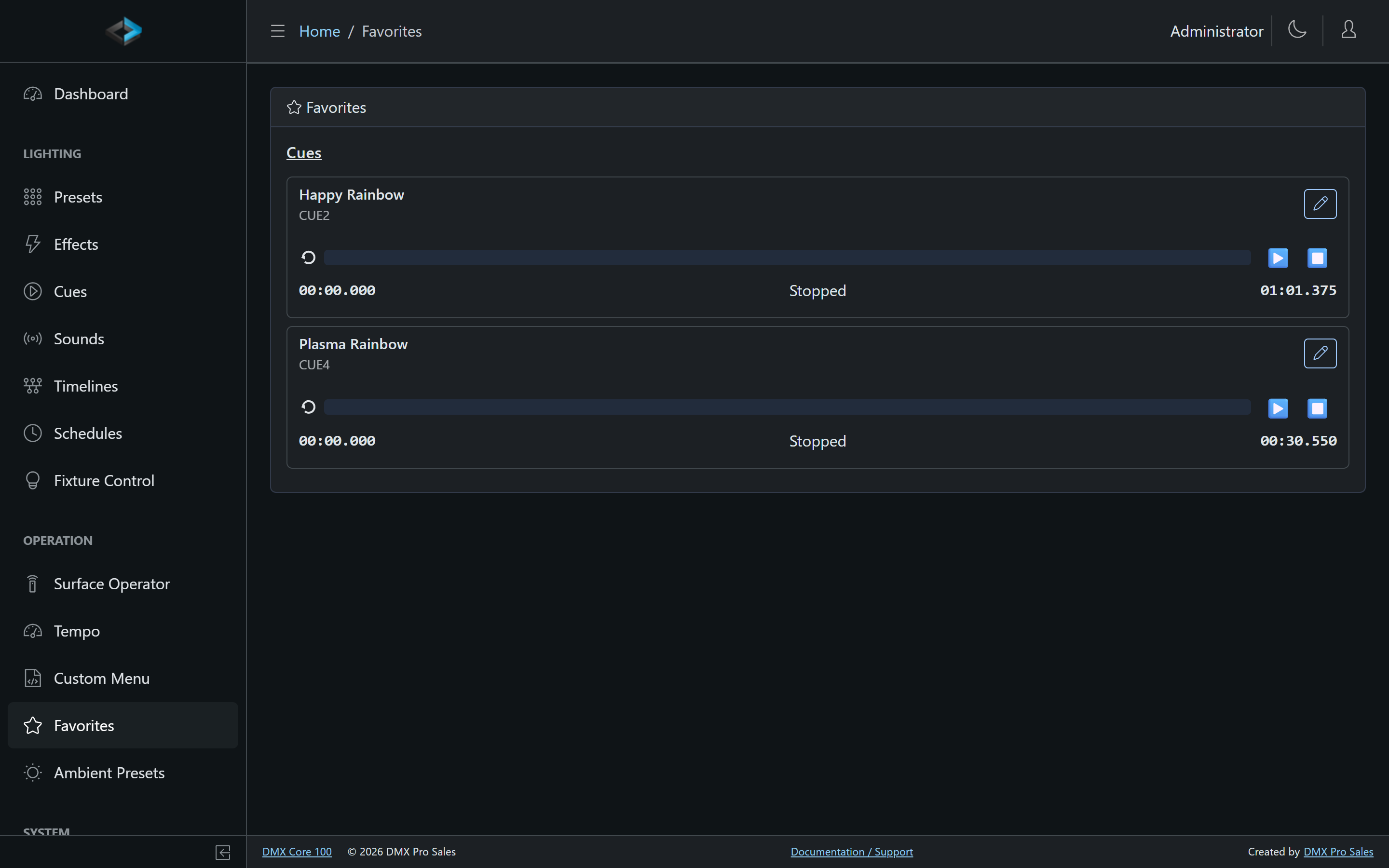
Accessing Favorites
Go to Operation > Favorites. The page lists favorited cues, sounds, timelines, and presets for one-tap playback. Schedules appear in a table with an enable/disable switch - that is how you turn a favorite schedule on or off from this page.
Favorites are a Web UI / dashboard convenience. They do not appear on the touchscreen home screen.