
Supported Devices
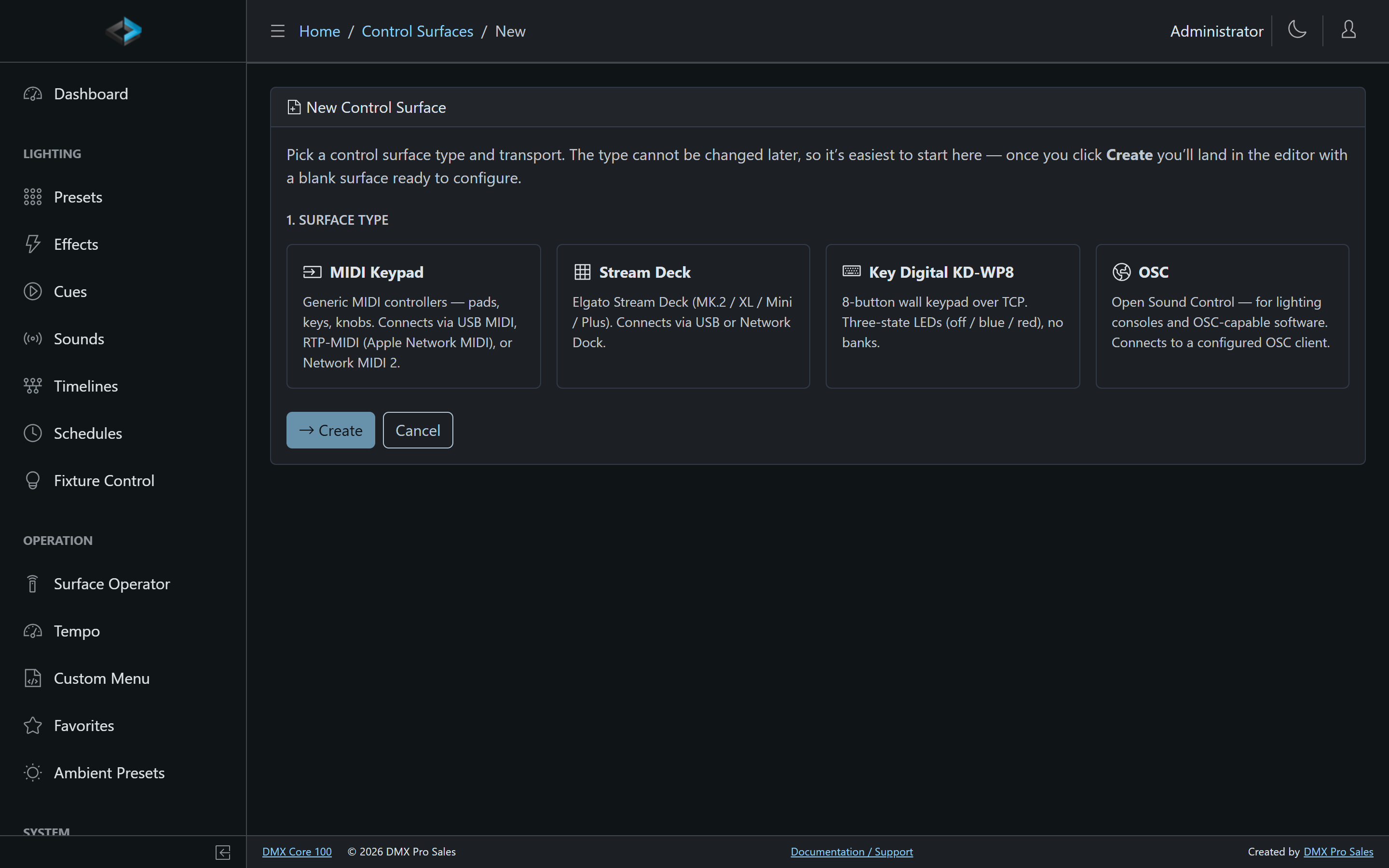
This page covers the device-specific details for each control surface type. To add a device, go to Control & Integrations > Control Surfaces, click Add New, and pick the surface type - the type cannot be changed later.
Stream Deck
Elgato Stream Deck devices are detected automatically, connected either directly over USB or over the network via the Stream Deck Network Dock. Supported models include the Stream Deck MK.2, XL, Mini, and Stream Deck +.
- LCD keys - Every key shows its assignment’s label, icon, and active/inactive background color. Keys with Hold to confirm show a sweeping ring while held
- Knobs (Stream Deck +) - The four knobs bind to levels such as Control Values, master dimmer, or zone intensities; knob presses are separately assignable
- LCD strip (Stream Deck +) - Shows the current bank label; swipe the strip to switch banks
- Brightness and sleep - Display brightness and auto-sleep timeout are configurable
MIDI Keypad
Generic MIDI controllers - pads, keys, and knobs on devices like the Akai LPD8 - can be used as control surfaces. Three transports are supported:
- USB MIDI - plugged directly into the DMX Core 100 (or the computer running the desktop software)
- RTP-MIDI (Apple Network MIDI) - MIDI over the network
- Network MIDI 2 - the newer network MIDI standard
Pads trigger button assignments; knobs and faders drive level assignments. Each assignment has a MIDI Binding row: Note, Control Change, or Program Change, MIDI channel 1–16, number 0–127, and Learn to capture the next message from the controller. MIDI does not go through Input Triggers. Controllers with LED pads receive color feedback where the device supports it. On the Akai LPD8 mk2, hold-to-confirm pads blink while held.
Key Digital KD-WP8
The Key Digital KD-WP8 is an 8-button wall keypad that connects over the network (TCP).
- 8 programmable buttons, each with a normal/toggle/flash press mode
- Three-state LEDs - off, blue, and red, mapped from each assignment’s active/inactive colors. Hold-to-confirm buttons blink red / off until the hold completes
- No banks - the KD-WP8 always shows its 8 physical buttons
The keypad has no mDNS announcement, so the surface editor can look for it instead: click Scan next to the network address to search the local network, then pick the keypad from the list to fill in its address and port.
OSC
An OSC surface turns any OSC-capable controller - TouchOSC on a tablet, a lighting console, custom software - into a control surface with two-way feedback.
OSC surfaces don’t connect to a physical device directly; instead they bind to a named OSC client configured under Control & Integrations > OSC Clients (source IP and feedback port). Incoming OSC messages from that client operate the surface, and state changes are sent back to the client’s feedback port so the controller’s own buttons and faders stay in sync.
Sliders support Absolute and Relative input modes, and Up/Down button assignments auto-repeat while held - useful for volume ramps from momentary buttons. Hold to confirm works on value-carrying Normal-mode buttons; Toggle and address-only messages fire immediately because they have no press/release pair to hold.
See OSC – Open Sound Control for the OSC integration in general.