
Home Screen
This is the home screen of the DMX Core 100.
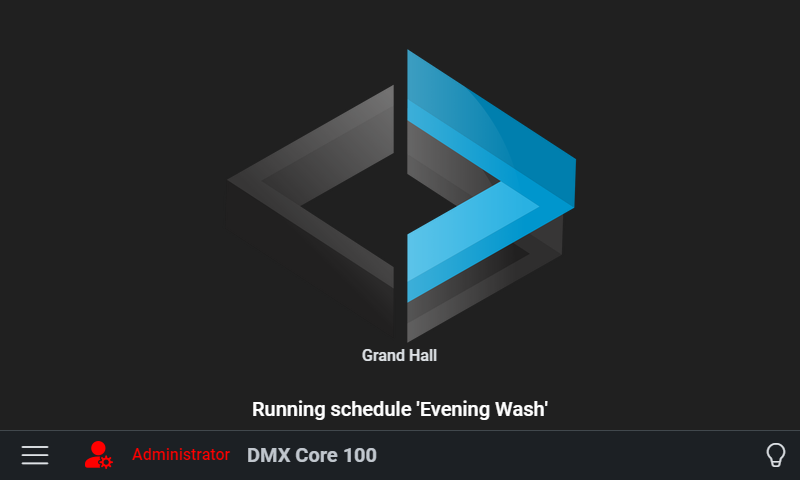
From here you can see the current status and navigate to the Main Menu, plus access the admin settings. On desktop software with an empty database, the home screen also shows Open Web UI and Getting started (Getting started is hidden on white-label builds). Those actions do not appear on the Appliance.