Themes
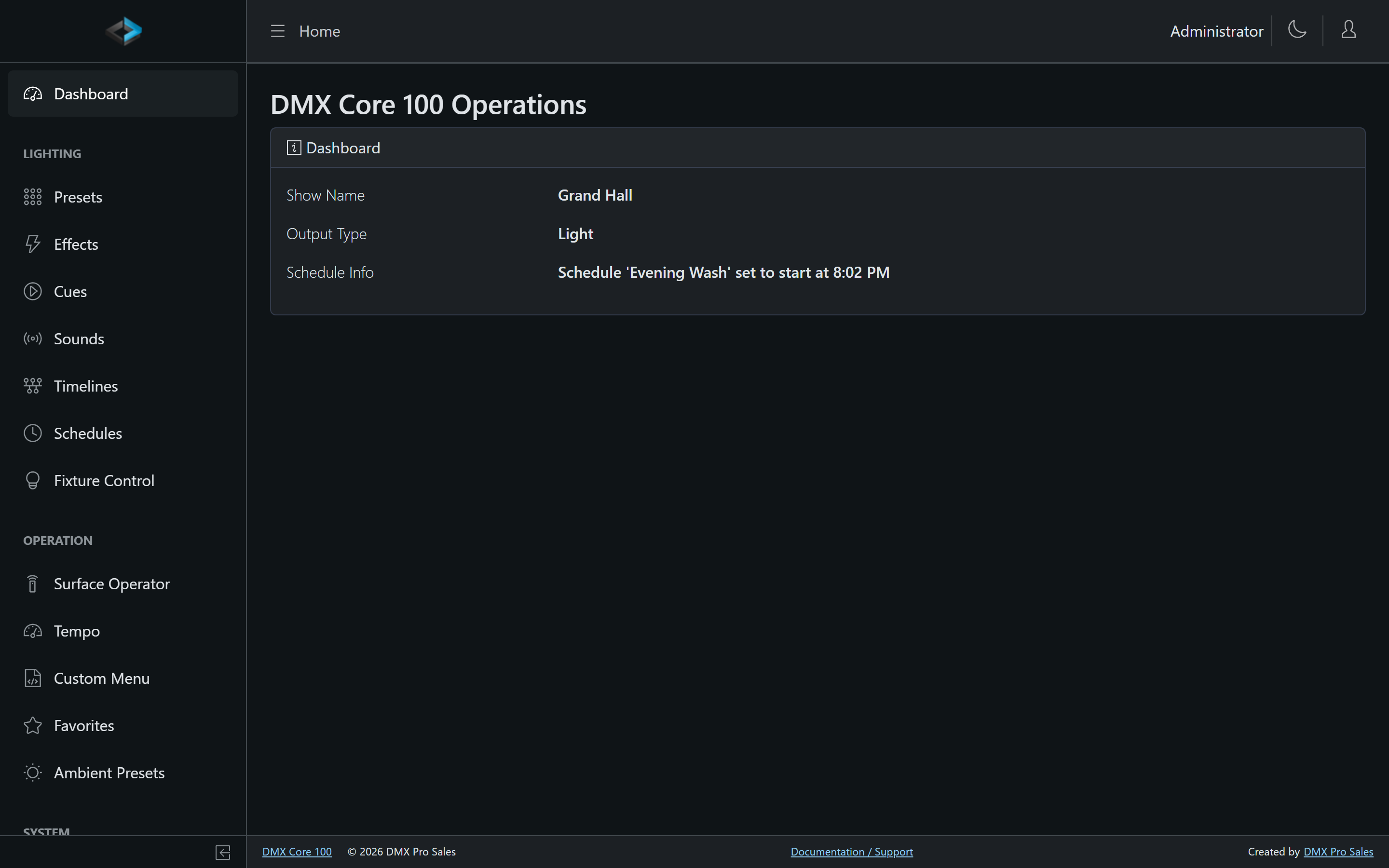
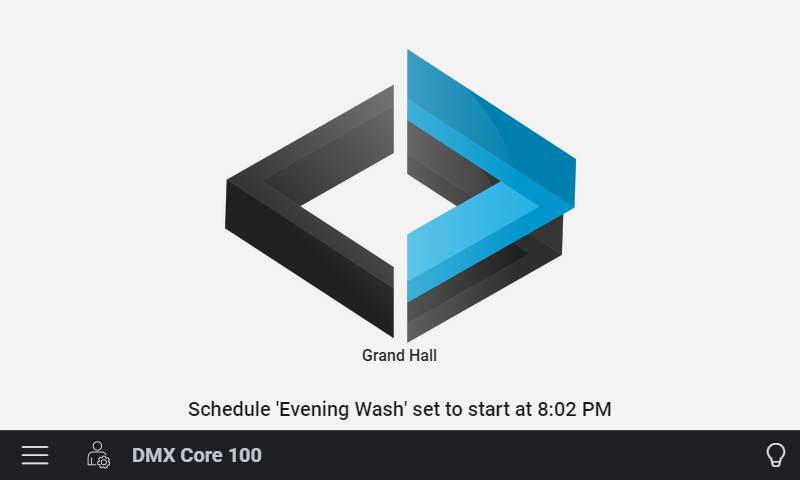
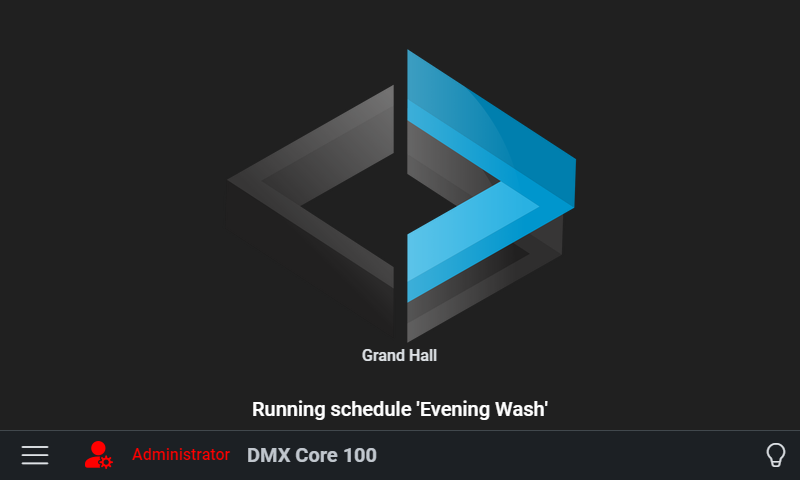
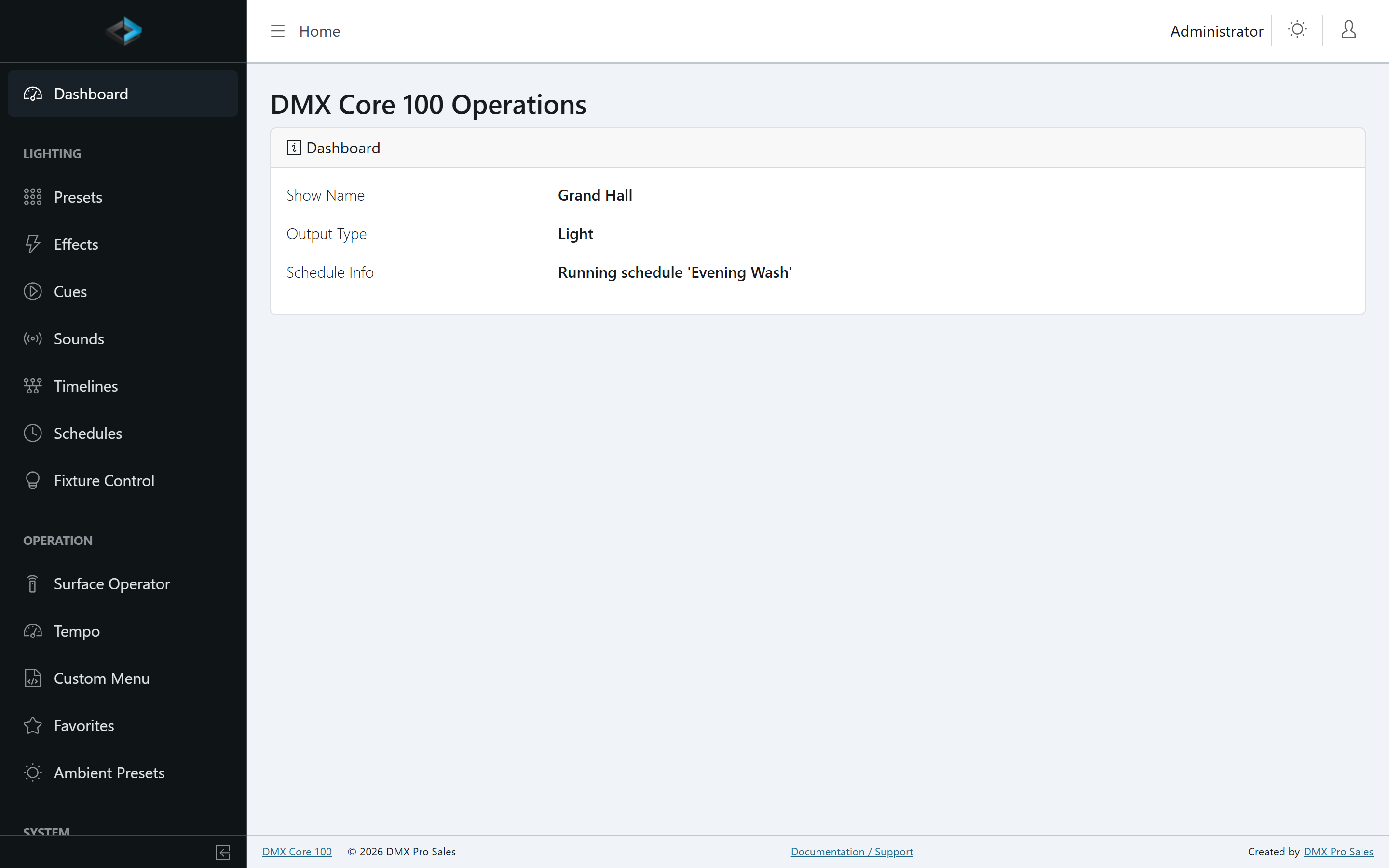
The DMX Core 100 supports both light and dark themes on the touchscreen and in the Web UI. You can set them independently - for example, running the touchscreen in dark mode while the Web UI uses light mode.
Touchscreen
Change the theme on the touchscreen under Main Menu > Settings > System Settings > System Theme (under the Preferences header). Options are Light and Dark.
Light
Dark
Web UI
Change the Web UI theme with the light / dark / Auto control in the top bar. Auto follows the browser or OS preference.
Light
Dark