
Users & Roles
The DMX Core 100 supports multiple user accounts, each with a role that determines what features they can access. This lets you give different people different levels of control - for example, a full admin for the installer and a limited operator account for daily use.
Default Account
The system comes with a default admin account with PIN 1111. It is recommended to change this PIN after initial setup.
Managing Users
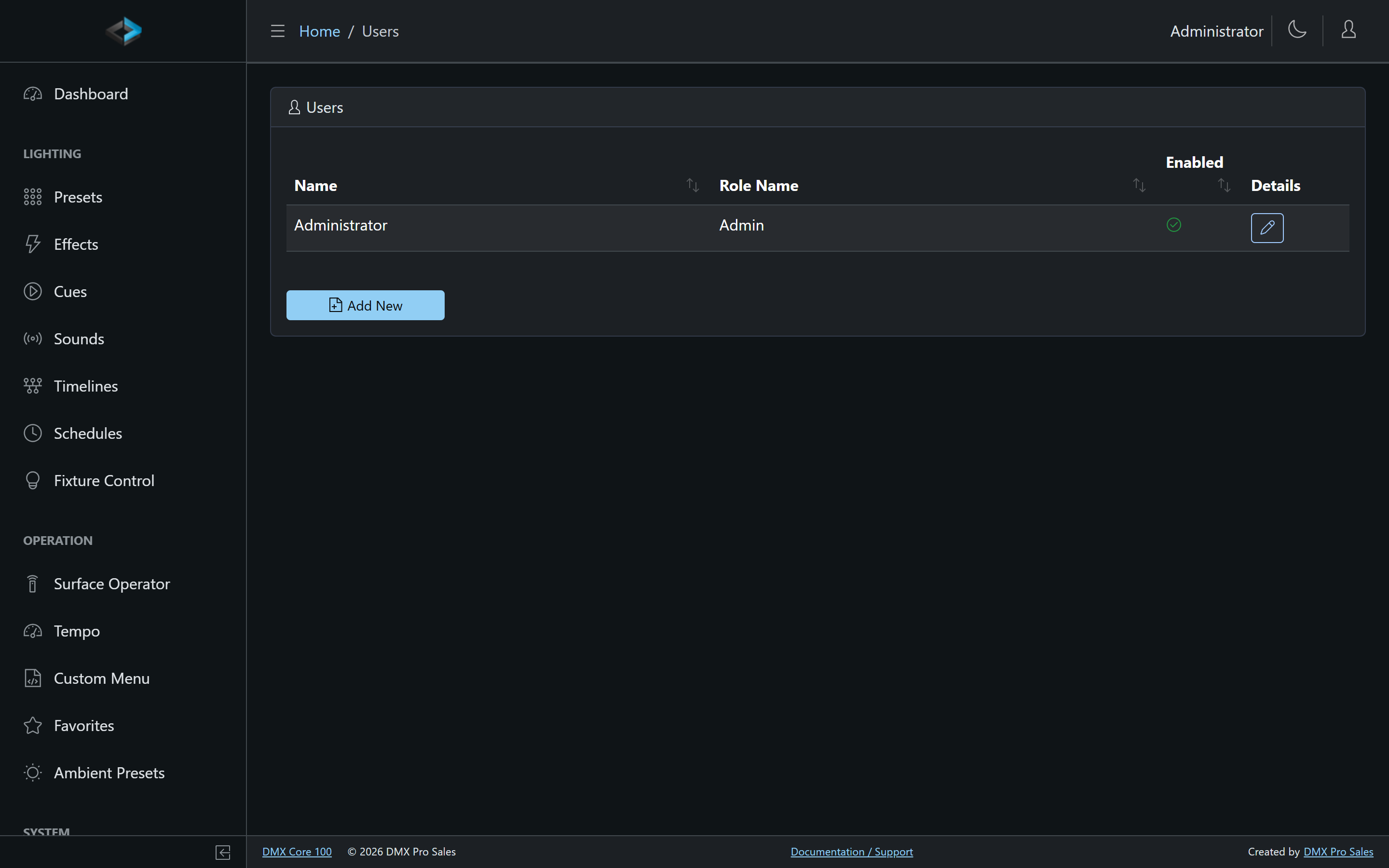
To create a new user:
- Go to User Management > Users in the Web UI
- Click Add New
- Set a Name and PIN for the user
- Assign a Role that defines their permissions
- Click Save
Per-user options include:
- Web Login Method - how the user signs in to the Web UI: their PIN code or a password. A password is the better choice for accounts used remotely; the touchscreen always uses the PIN.
- Auto log-off - an inactivity timeout in minutes (0 = never), per user.
- Enabled - disable an account without deleting it.
User Tokens
Users can be given access tokens for programmatic access to the API. This is useful for integration with external systems that need to authenticate without a PIN.
API Keys
Long-lived API keys are managed under User Management > API Keys. Each key has a type that decides what it can reach:
| Type | Used by | Authenticates on |
|---|---|---|
| MCP | MCP Server - AI clients such as Claude Desktop and Cursor | /mcp |
| Integration | Integration API - Bitfocus Companion, Crestron, Node-RED and similar control systems | /api/integration |
- Pick the type when creating the key on that page, or issue a key of the right type straight from Device > System with Issue MCP API Key / Issue Integration API Key when that feature is enabled
- The secret is shown once at creation - store it securely
- A key works only on its own surface; neither type can be exchanged for a Web UI JWT or used on the admin REST API
- Revoke a key anytime; the list shows first-used and last-used times, and a revoked key is refused immediately
Creating API keys requires User Management or Change System Settings.
Roles and Permissions
Roles define what a user can do. The system ships with Admin, Operator, and Standard roles, and you can create your own under User Management > Roles (Add New). The role editor has Name, Is Admin, and a Permissions list.
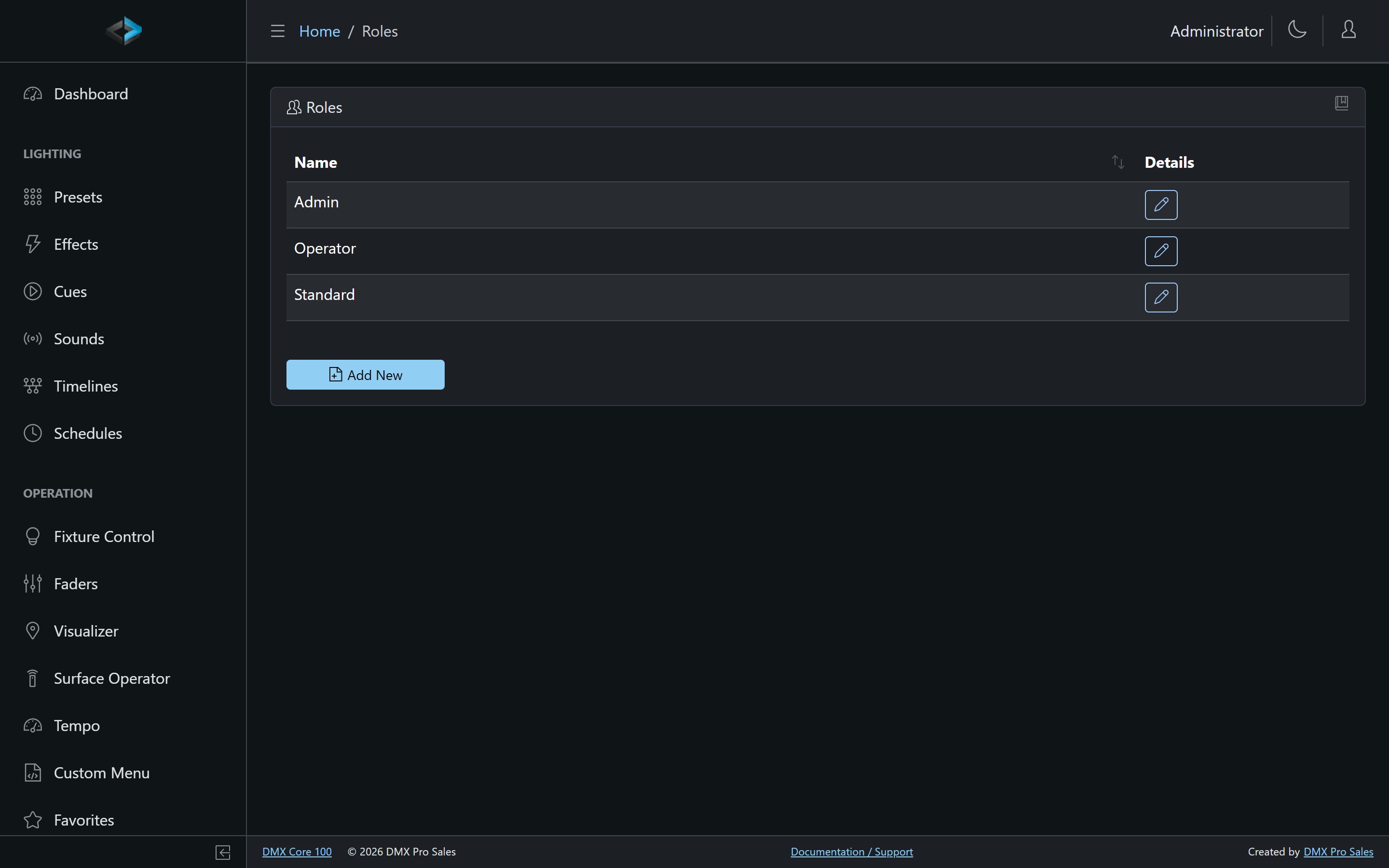
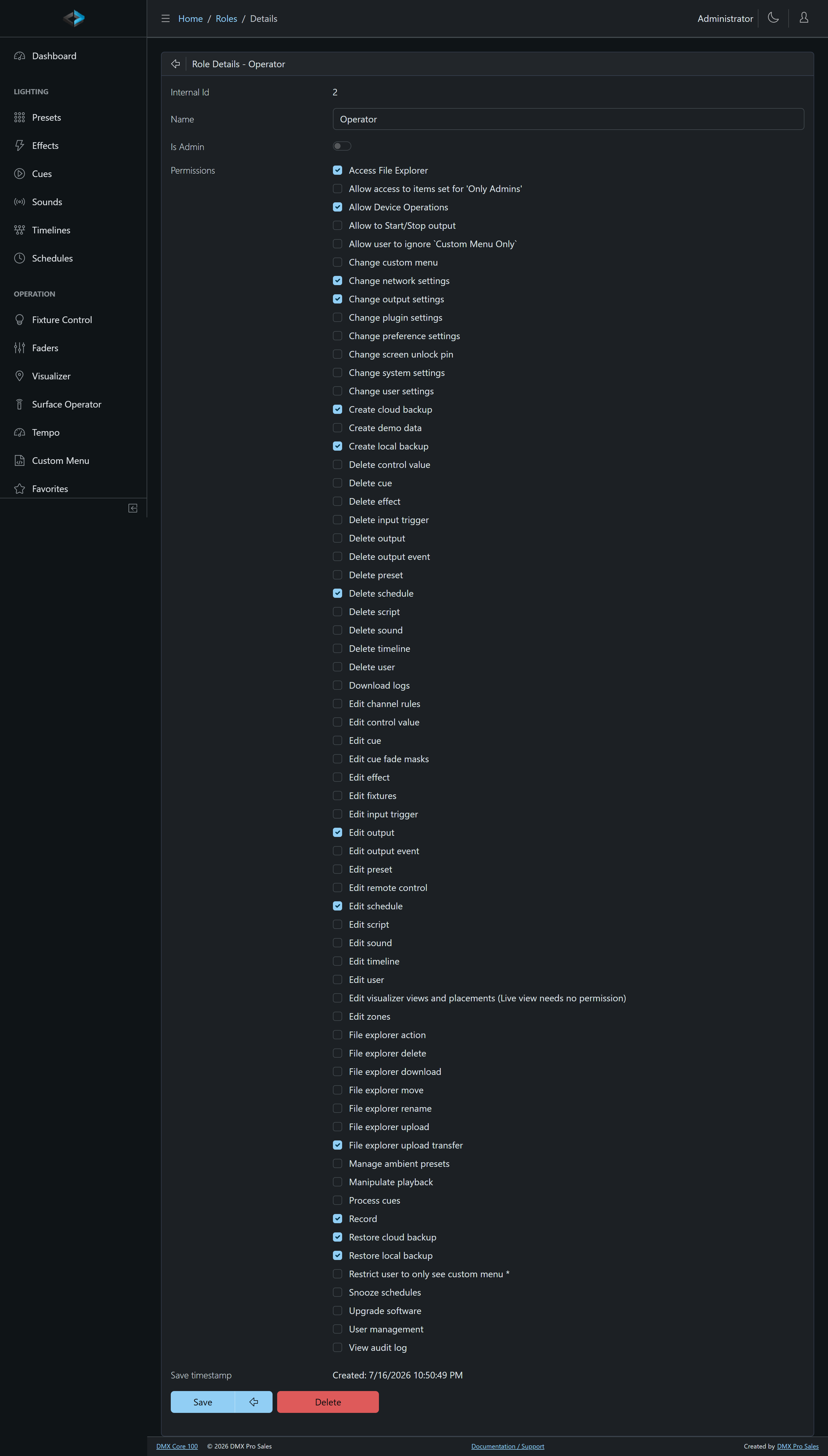
The built-in Operator role includes Edit/Delete Schedule, Device Operations, Change Network Settings, Change Output Settings, Edit Output, Record, File Explorer (including upload/transfer), and local/cloud backup restore - enough for day-to-day show work without User Management or factory reset. Standard has Edit/Delete Schedule, Device Operations, and cloud backup only. Neither Operator nor Standard includes Start/Stop output, which is what the touchscreen Stop/Blackout tile requires.
Playing a cue in the Web UI only needs a signed-in user - it does not require a separate Play Cue permission.
Each role is a set of individually toggleable permissions covering:
| Area | Permissions |
|---|---|
| Content | Edit/Delete Cue, Preset, Effect, Timeline, Schedule, Sound |
| Playback | Start/Stop output, Manipulate Playback |
| Automation | Edit/Delete Input Trigger, Output Event; Snooze Schedules |
| Control | Edit Control Surfaces and OSC Clients (keypads, Stream Decks, MIDI, TouchOSC), Edit Linked Units (Main and Satellite Units), Change Custom Menu |
| Outputs | Edit/Delete Output, Record, Change Output Settings, Channel Tester (send test levels to a slot’s channels) |
| System | Device Operations (restart/reboot), Change Network Settings, Change System Settings (including factory reset), Change Plugin Settings, Upgrade Software, Remote Screen (view and operate the touchscreen and see the VNC login) |
| Data | Create Local Backup, Create Cloud Backup, File Explorer (and its sub-permissions), View Audit Log |
| Admin | User Management |
Guests
Custom menus marked Available to Guests can be used from the Web UI without any login - guests see only those menus and nothing else.
Auto Log-off
Both the touchscreen and Web UI support automatic log-off after a period of inactivity, configurable per user.