
Admin Mode
Access Admin Mode by logging in with a PIN code. The default PIN is 1 1 1 1. You can enter the PIN using the on-screen keypad or the +/– buttons - tap the digit field to switch between styles.
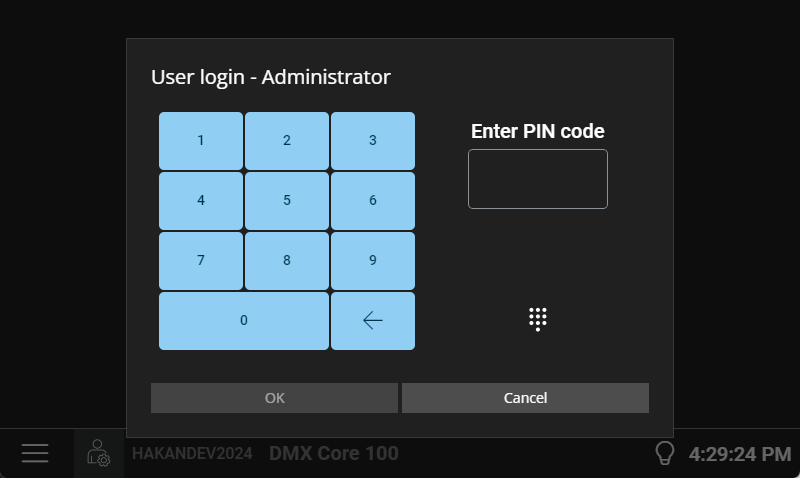
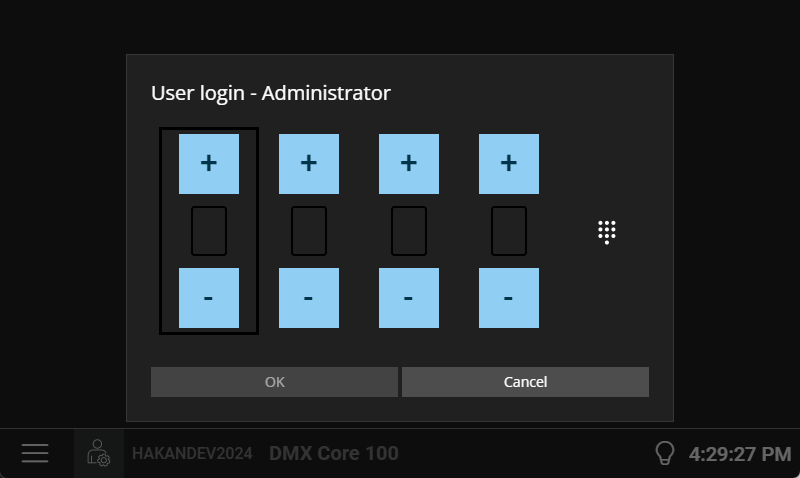
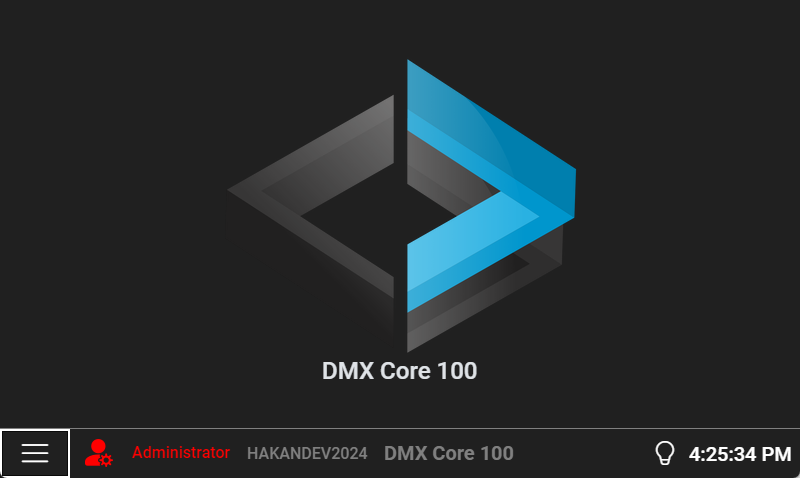
Once logged in, the bottom bar turns red to indicate that you’re now in Admin Mode.
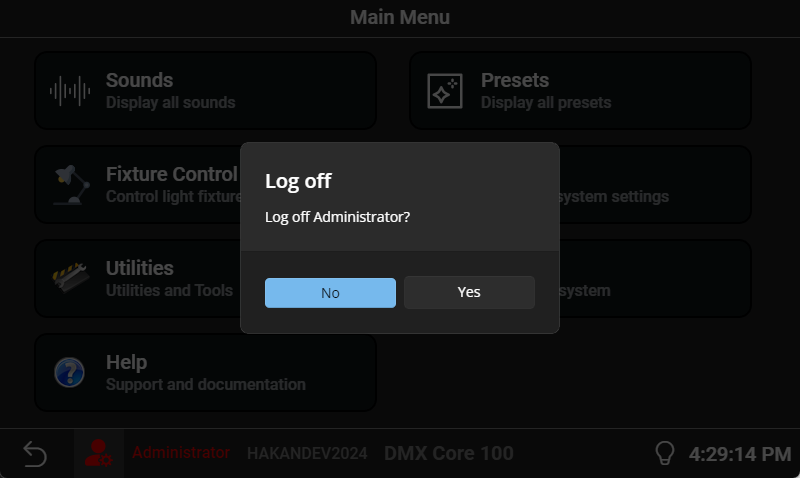
To log off, tap the user icon in the bottom bar and confirm.
Admin Mode gives you access to change output settings, general settings, schedules, etc.
Logging In via the Web UI
In the Web UI, you log in with your PIN on the login page when you first connect. See Connecting to the Web UI for details.
The Web UI session stays active until you log out or the auto log-off timeout expires. Auto log-off is a per-user field: Auto log-off, minutes (0=never) on the user editor under User Management > Users. It is not a Device > System setting.
Before logout, the Web UI shows a warning dialog so you can stay signed in. Auto log-off pauses while a local recording is running, so a long take is not cut off by the timeout. Preview alone does not pause the Web UI timeout. On the touchscreen, log-off and screen lock also pause during local recording or preview.
Multiple Users
The DMX Core 100 supports multiple user accounts with different roles and permissions. See Users & Roles for details on setting up additional users beyond the default admin account.