
Channel Rules
Channel rules adjust the DMX data on its way to the output, without modifying cues, presets or the incoming data. Use them when something on site has changed after the show was built: fixtures that are too bright can be capped or scaled down, fixtures added later can mirror existing channels (multipatch), and one color can be spread over a whole pixel tape.
When rules apply
Rules apply to the final output of every frame, whatever drives it: recorded and static cues (including cues played from timelines), presets, effects and faders, the fixture control page, and routed input from a lighting console. A rule describes the wire, so “slot 5 never exceeds 200” holds no matter which source lit the fixture.
Rules are global: once defined, they apply to everything that touches the matching channels. They take effect immediately when saved - even during playback - so you can fine-tune a limit while watching the result on the fixtures. Recording is unaffected, and cue files are never changed; disable or delete a rule to instantly restore the original output. The Blackout still zeros everything, rules included.
Rule types
Each rule targets a Slot Id (the internal universe id) and a channel range (1-512). To see which slots a cue uses, open the cue in the Web UI (Lighting > Cues, then the cue name) and read Used Slot/Universe Ids; for fixtures and routed input the slot is the one the Output Config maps.
Cap
Limits channels to a maximum value. Values at or below the limit pass through unchanged; values above it are held at the limit.
Example: a cap of 128 leaves a 100 untouched but outputs 128 when the source says 255.
Scale
Rescales the whole 0-255 range so that full level becomes the limit - the look keeps its relative intensity shape, just dimmer.
Example: with a scale limit of 128, a 255 outputs 128 and a 127 outputs 64.
Copy
Duplicates a channel range to another location - the same or a different slot. The copied channels follow the source through fades and dimmers, so a fixture added after the show was recorded behaves exactly like the original it mirrors.
Set the Destination Slot Id and Destination Start Channel; the range keeps its length, so it must fit within channels 1-512 at the destination.
Repeat
Tiles a channel range over a destination range, so one value fills many fixtures. Set the Destination Slot Id, Destination Start Channel and Destination End Channel; the source range is written over and over from the start channel through the end channel, and a partial last repeat is cut off at the end channel.
Example: send one RGB color on channels 1-3 of a slot from a console, and a rule “Repeat slot 1 ch 1-3 into slot 1 ch 4-510” lights all 170 pixels of a tape on that slot in that color. The source and destination may be the same slot.
Processing order
Within each frame, rules apply in a fixed order: copies and repeats first, in list order, then scales, then caps.
- A cap or scale addressing the copy destination also limits the copied data - so a newly added fixture can be both copied and capped.
- Copies read values before scales and caps are applied to the source.
- A later copy reads what an earlier copy wrote, so copies can be chained.
- A copy or repeat overwrites its destination channels. Whatever else drives those channels - a preset, a cue, a console - loses them to the copy while the rule is enabled.
- Caps run last, after dimmers, fades and merging, making a cap an absolute output ceiling for its channels.
Overlapping limit rules combine predictably regardless of order: multiple caps on the same channel enforce the lowest limit, and multiple scales multiply together.
Managing rules
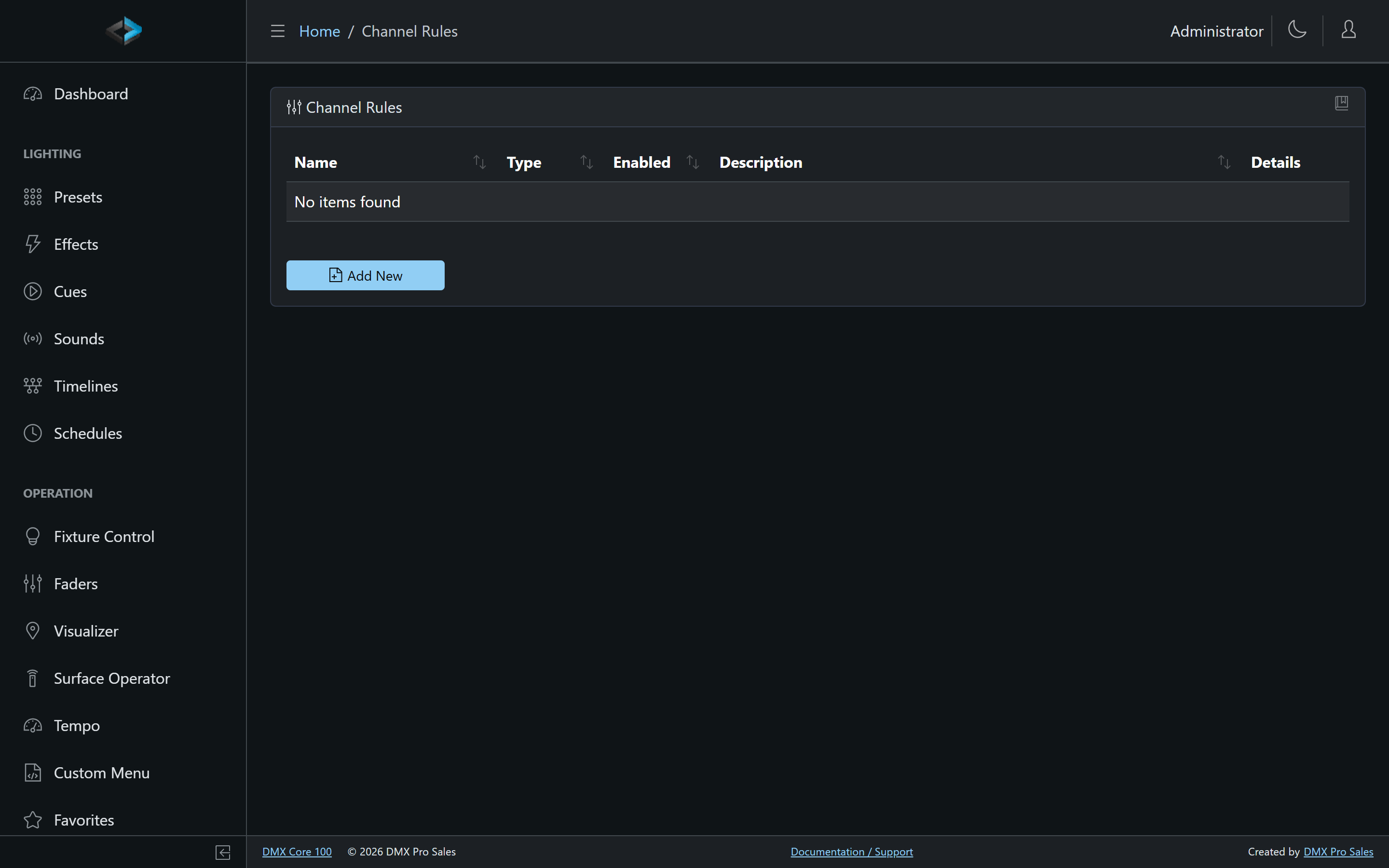
The Channel Rules list shows each rule’s type, enabled state, and a summary such as “Cap slot 1 ch 3 at 100”. From the details page you can:
- Enable/disable a rule - takes effect immediately, also during playback.
- Duplicate a rule - the copy is created disabled so it can’t double-apply before you’ve edited it.
- Delete a rule.