
Control Surfaces
Control surfaces give operators hands-on, physical control of the DMX Core 100 - buttons to fire cues and presets, knobs and faders to ride levels, and LED feedback that always reflects the current state. A surface can be a Stream Deck on a desk, a MIDI pad controller, a wall-mounted keypad, a TouchOSC layout on a tablet, or simply a virtual surface in the browser.
Already running a Stream Deck through Bitfocus Companion? Use the DMX Core 100 Companion module instead of connecting the Stream Deck directly.
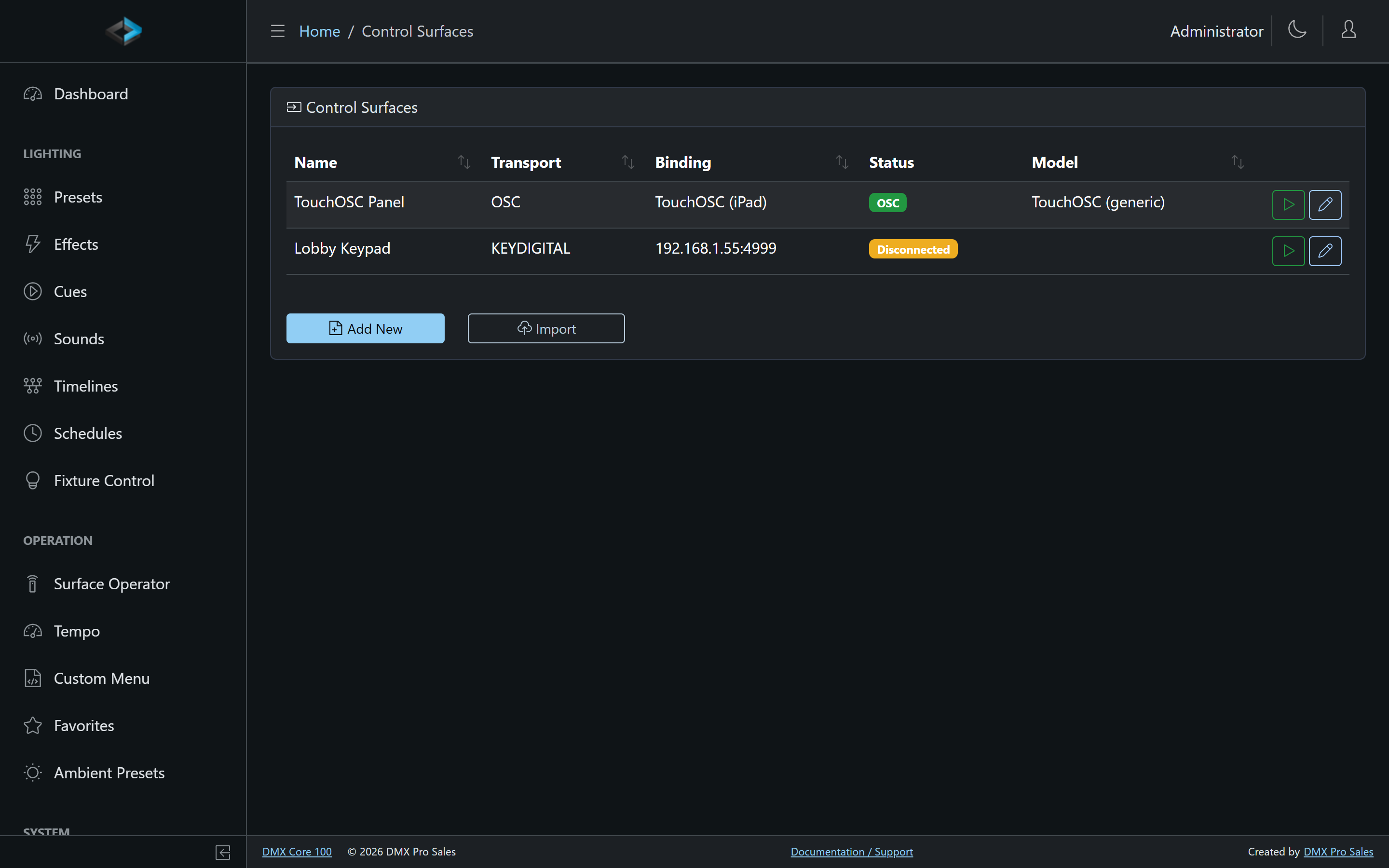
Control surfaces are managed in the Web UI under Control & Integrations > Control Surfaces. The list shows each surface’s transport, binding, and live connection status.
Surface Types
| Type | Connection | Description |
|---|---|---|
| Stream Deck | USB or Network Dock | Elgato Stream Deck family (MK.2, XL, Mini, and Stream Deck +) with LCD keys, and knobs on the Stream Deck +. |
| MIDI Keypad | USB MIDI, RTP-MIDI (Apple Network MIDI), Network MIDI 2 | Generic MIDI controllers - pads, keys, and knobs on devices like the Akai LPD8. |
| Key Digital KD-WP8 | TCP (network) | 8-button wall keypad with three-state LEDs (off / blue / red). |
| OSC | Network (UDP) | Open Sound Control - lighting consoles and OSC-capable software such as TouchOSC. Binds to a configured OSC client. |
See Supported Devices for device-specific details.
What a Surface Can Do
Every button, pad, key, knob, and fader on a surface is an assignment that you configure. Available actions include:
- Playback - Play a cue, sound, or timeline; stop playback; fade out
- Looks - Apply a preset or the ambient preset
- Levels - Bind a knob or fader to a Control Value (for example a Q-SYS or Symetrix volume), the master dimmer, or a zone intensity
- Automation - Run a script, fire an output event, toggle a schedule
- Tempo - Tap tempo in time with the music (see Tempo & Audio Sync)
- Navigation - Switch to the next bank or a specific bank
Buttons support three press modes: Normal (fire on press), Toggle (press to start, press again to stop), and Flash (active only while held). Assignments can also require Hold to confirm so an accidental tap on Blackout, Toggle Output, or Stop does not fire until the button has been held.
Feedback
Surfaces are two-way. Button LEDs and displays update in real time as the system state changes - a button bound to a preset lights up while that preset is active, a knob display tracks the current level, and a mute button shows the actual mute state even when it was changed elsewhere. Each assignment has configurable active/inactive colors (used for LED feedback), an optional icon, and label styling.
Import and Export
A surface configuration can be exported to a file and imported on another device - useful for rolling out the same operator layout across multiple installations.
In This Section
- Supported Devices - Stream Deck, MIDI, Key Digital KD-WP8, and OSC specifics
- Configuring a Surface - banks, sections, assignments, hold to confirm, and appearance
- Surface Operator - operate any surface from the browser