
Surface Operator
The Surface Operator page (under Operation in the Web UI sidebar) renders any configured control surface as a live, interactive panel in the browser. Every pad, knob, and slider works exactly like the physical control it mirrors, with the same real-time feedback.
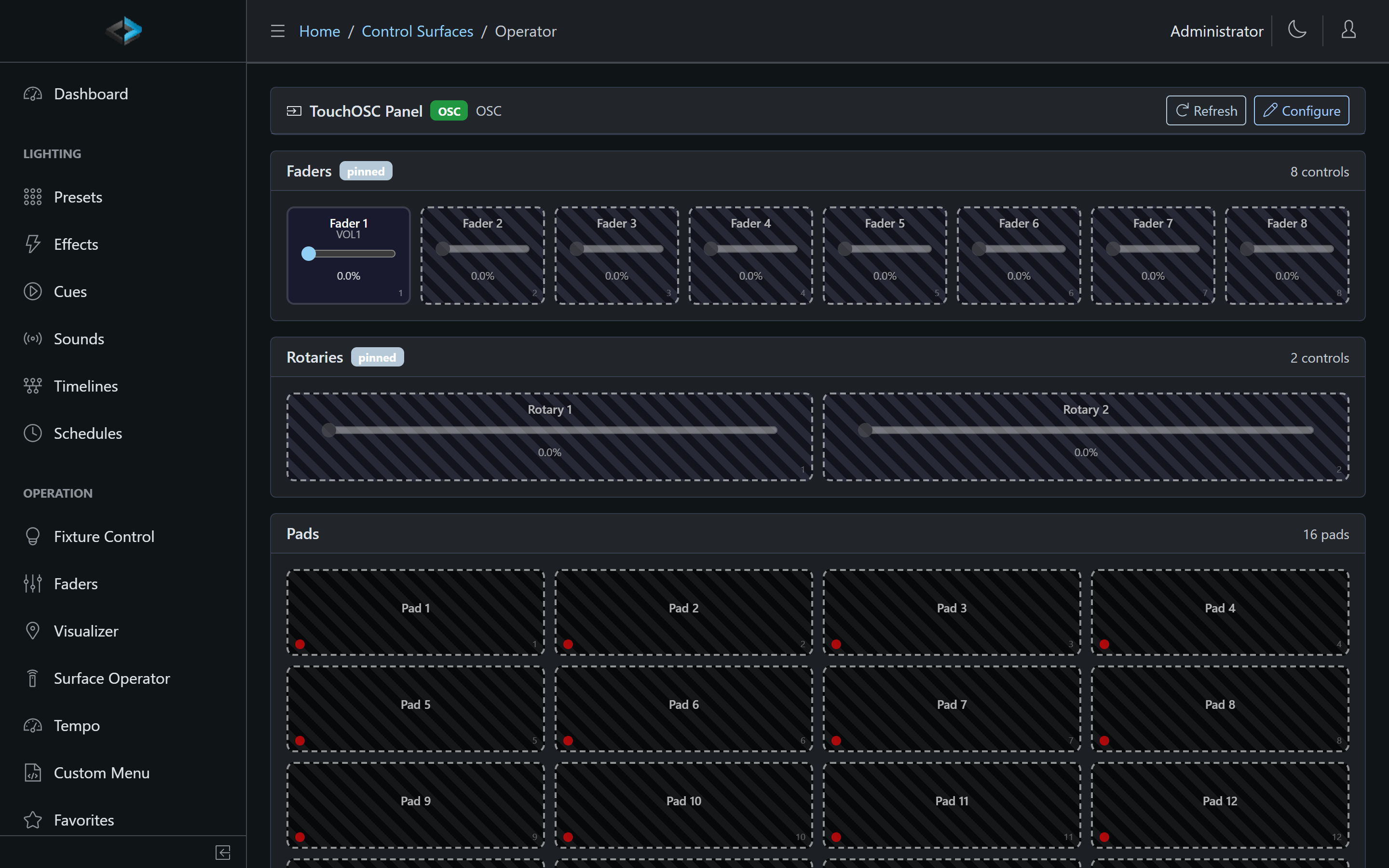
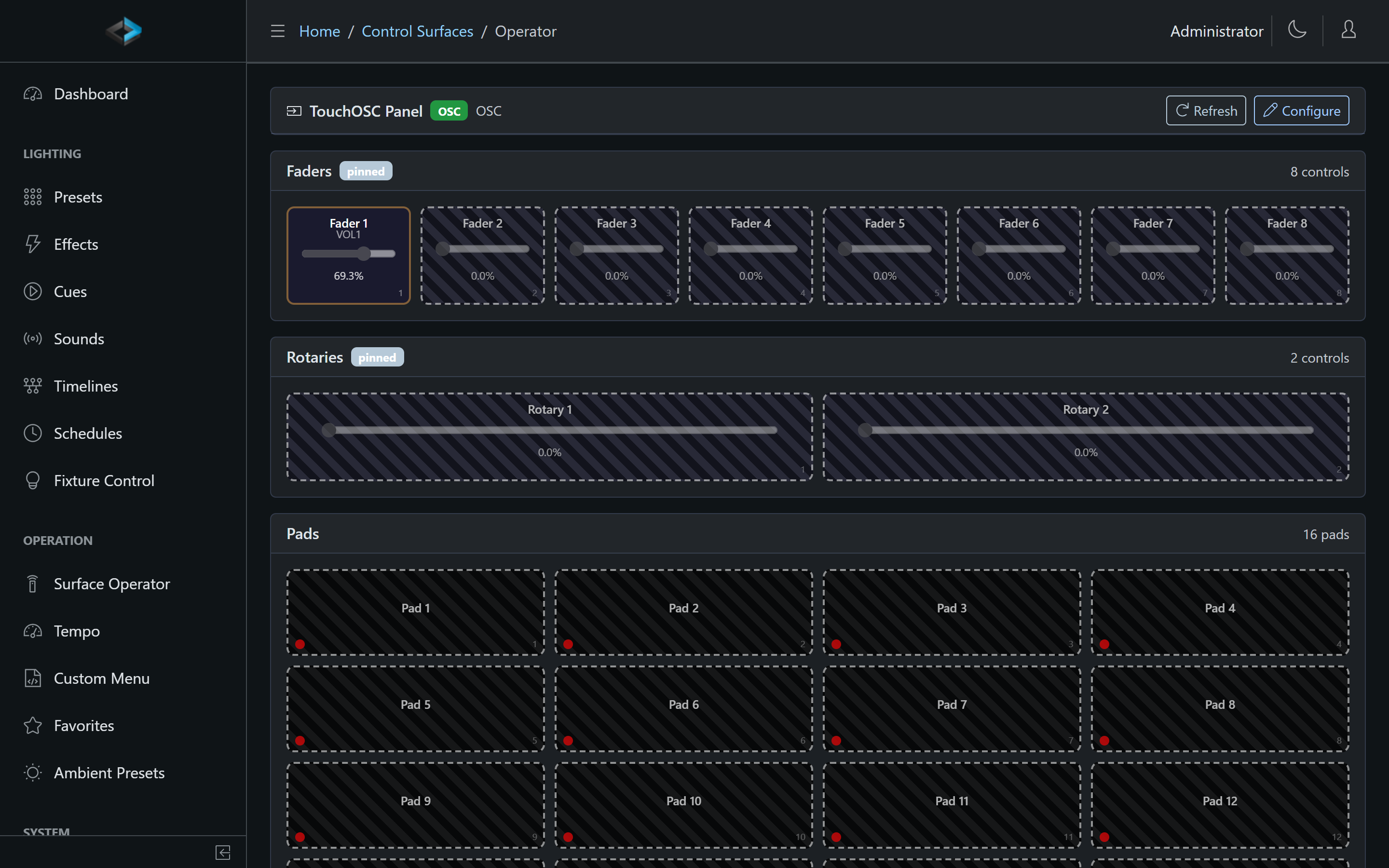
Pick a surface from the list and click Operate. The operator view shows each section of the surface - buttons as tappable pads with their configured colors and state, knobs and faders as sliders with live values - grouped and labeled just like the surface configuration.
Uses
- Operate without hardware - a surface doesn’t have to be bound to a physical device at all. A web-only surface is a quick way to build a touch panel for an operator who works from a laptop or tablet.
- Real press-and-release - pads send both the press and the release, so hold-style assignments work from the browser: a Flash preset stays on while the pad is held, and a Momentary timeline pad holds its show at a Hold milestone until you let go.
- Hold to confirm - pads with Hold to confirm do not fire on tap. They open a Yes/No dialog (the same prompt custom menus use); Yes runs the action, No cancels. On the physical device that assignment is a press-and-hold, not a dialog.
- Mirror a physical device - the operator view of a connected device stays in sync with it: press a key on the Stream Deck and the browser pad lights up, and vice versa.
- Test while building - edit the layout in the configuration editor, then click Operate to try it immediately, before the hardware is on site.