
Themes
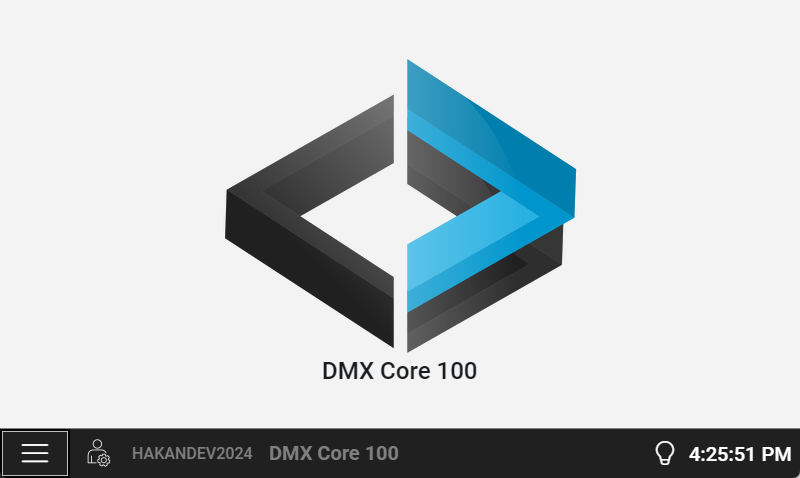
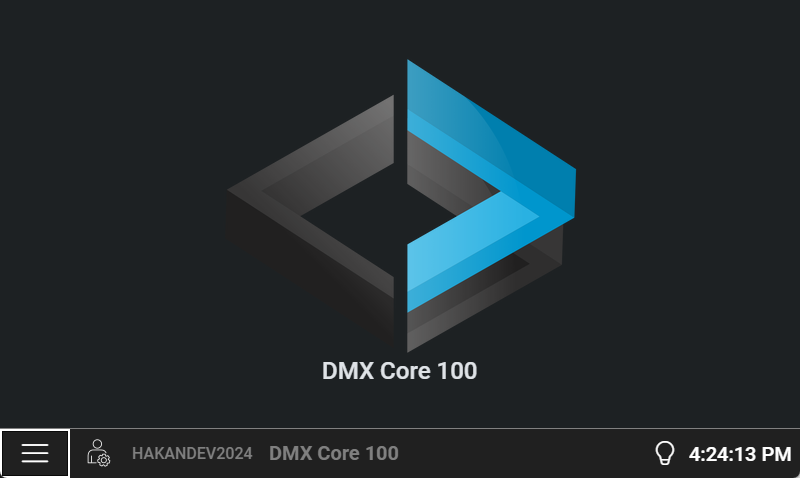
The DMX Core 100 supports both light and dark themes on the touchscreen and in the Web UI. You can set them independently — for example, running the touchscreen in dark mode while the Web UI uses light mode.
Touchscreen
Change the theme on the touchscreen under Main Menu > Settings > Display Theme.
Light
Dark
Web UI
Change the Web UI theme under Settings > Preferences > Theme.